Prompt-driven sessions
What you do now, made more useful.
- Any harness, any model, local or cloud
- Resume a session on another machine, or after a reboot
- Watch and answer from your phone
- One laptop today, a cluster when you need it
Free, open-source. Blerg runs Claude Code, Codex, and Hermes on local models like NVIDIA Nemotron, side by side, on any machine you own. Agents hand work to each other with your approval, you watch every one of them live, and a board gives them the work. Local and cloud, one crew.
Apache-2.0. Bring your own harness and model. No hosted service, no account.
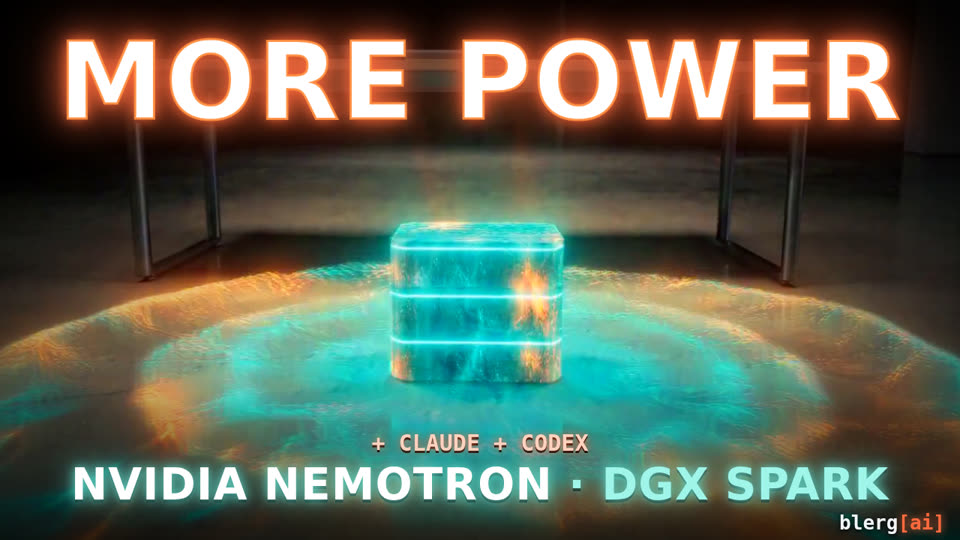 MORE POWER 1:13
NVIDIA Nemotron on a DGX Spark takes a launch-night ticket, then calls in Claude and Codex as its crew.
MORE POWER 1:13
NVIDIA Nemotron on a DGX Spark takes a launch-night ticket, then calls in Claude and Codex as its crew.
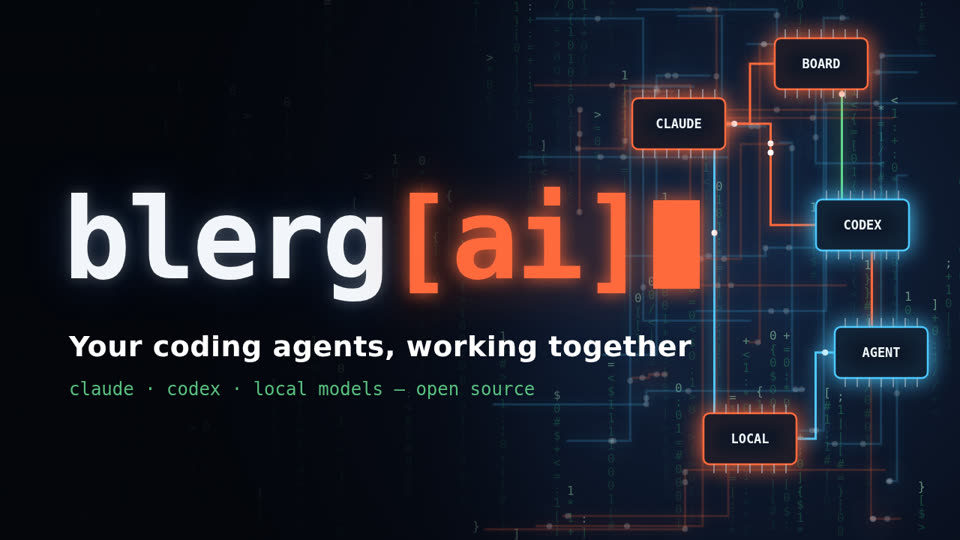 An AI agent made this 2:09
A tour of Blerg: boards, sessions that start sessions, review, and charts, recorded and voiced by AI.
An AI agent made this 2:09
A tour of Blerg: boards, sessions that start sessions, review, and charts, recorded and voiced by AI.
Real footage of Blerg, made by AI agents inside it. Videos play here from YouTube.
It looks like a chat because a chat is the easiest way to steer an agent. Underneath is everything it takes to run real agents safely, side by side, at scale:
It doesn't look like a lot. It's a lot.
One agent, one prompt, and you watching it.
Tabs everywhere. Which one just asked you a question?
More in flight, still tied to one machine and one screen. Close the lid and it is gone.
Every session on every machine in one list, from any device, back after a reboot. And a board for when prompts stop scaling.
Keep prompting the way you do today, only with fewer limits. When a project outgrows a single prompt, move to tickets. Both run on the same install.
What you do now, made more useful.
For when the work outgrows one prompt.
Launches sessions in the harness you pick, keeps them alive, shows them in any browser, and brings them back after a restart.
The agent-first kanban board. Agents file cards over MCP or a CLI, the gate curates, humans review and dispatch.
A small control plane: identity, projects, discovery, audit. Every service publishes its docs at /agents.
The runner, board, and core are the same binaries whether one person runs them on a laptop or a team runs them across a cluster. Start small, move up a tier when you outgrow it, keep your sessions.
A few sessions
Docker Compose and a host daemon, on the machine you already work on.
Dozens of sessions
A daemon on the desktop, the laptop, and the box under the desk. Each one dials in, and every session lands in the same list no matter where it runs.
Isolated sessions
A throwaway container per session, with only that repo mounted and only that project's secrets injected.
Hundreds of sessions
One pod per session on any cluster: MicroK8s, k3s, kubeadm, or the one your team already runs.
Choices that survived running agents on a real homelab, not a demo.
/agents, written for an agent to act on. Onboarding is a URL.Harnesses
Runtimes and infrastructure
Integrations
More harnesses (OpenCode, NemoClaw) and forges are on the way. A harness is a driver, not a rewrite.
You need Docker, tmux, and at least one harness CLI installed and logged in, such as Claude Code, Codex, or Hermes. The script generates secrets on first run, builds the images, and starts the host daemon as a service.
# desktop
git clone https://github.com/blerglab/blerg-ai.git
cd blerg-ai/install/desktop
./blerg-up.sh

# homelab or cluster
cd blerg-ai/install/k8s
cp .env.example .env    # registry, tag, domain
./deploy.sh
When it finishes, your browser opens at localhost:8081 and
asks you to create your account; no password to dig out of a log. Then
launch a session on a repo, or create a card and dispatch it, and watch it
run from any device.
Local models and cloud agents, side by side, on hardware you own. Free and open source.